3 Alternatives to Turbo AI for Learning

Turbo AI (previously known as Turbolearn AI) is a great way to import a lecture, a YouTube video, or a PDF to instantly get notes, revision sheets, and a quizzes.
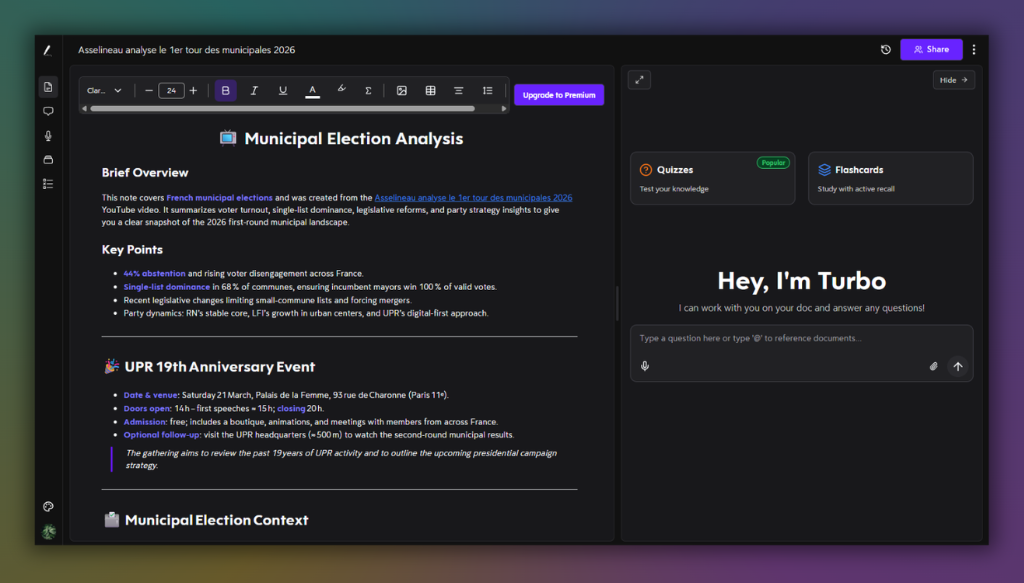
If you're looking for an alternative to Turbo AI, here are my favorites, starting with the app I created myself.
1. Boterview: The Alternative to Turbo AI That Goes Beyond Simple Notes
I built boterview because I kept noticing the same problem: students who meticulously took notes and created revision sheets still blanked during exams.
The problem was never the quantity of study materials, but the fact that revision is a fundamentally different cognitive activity from learning.
Boterview offers a complete interactive learning experience from these materials.
The courses are created by AI based on your learning preferences:
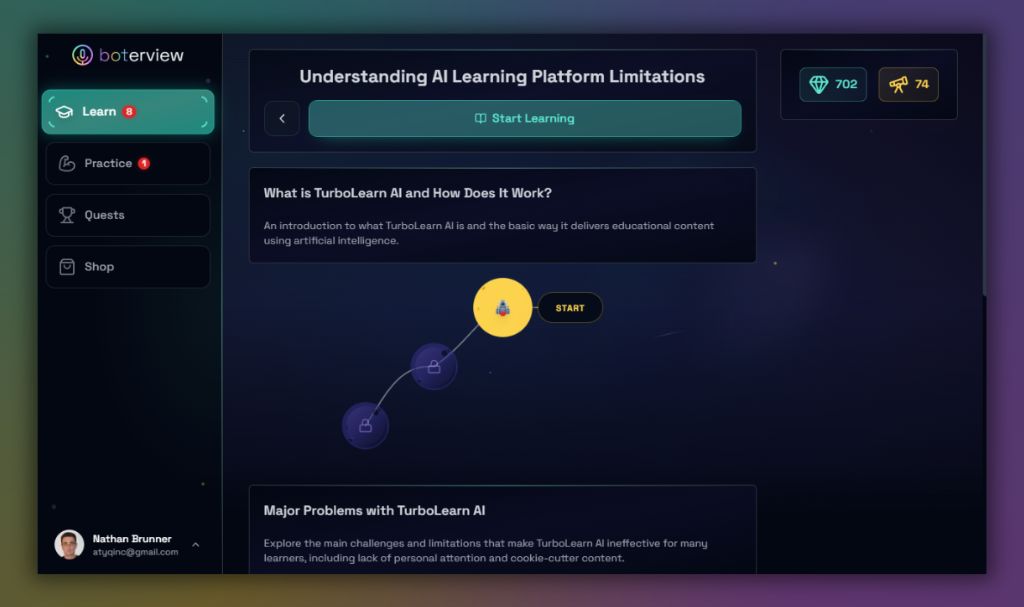
From a set of instructions or a PDF, boterview builds a complete learning path with structured units, targeted lessons, and challenges:
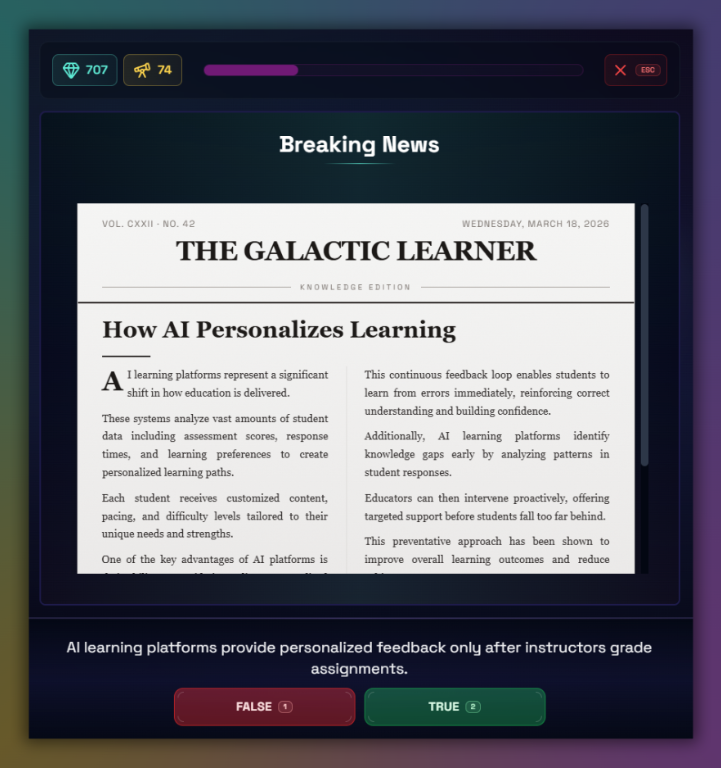
The most striking difference with Turbo AI lies in its feedback system.
I built Boterview so that the AI tutor can explain your mistake and give you the correct reasoning:
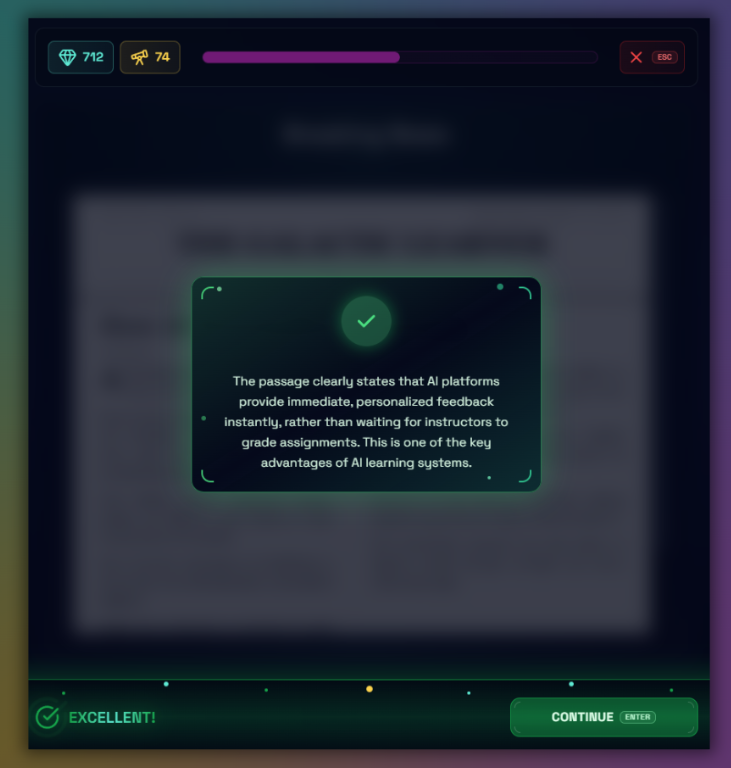
It is through feedback that true learning occurs: mistakes suddenly become useful with boterview.
2. Otter.ai: The Best Alternative to Turbo AI for Live Transcription
Just like Turbo AI, Otter.ai simplifies how you take notes.
With Otter.ai, you can transcribe your lecture in real time.
Otter.ai's real-time transcription captures spoken content with impressive accuracy, identifies different speakers, and generates automatic summaries, allowing you to focus on understanding the subject while Otter handles the transcription.
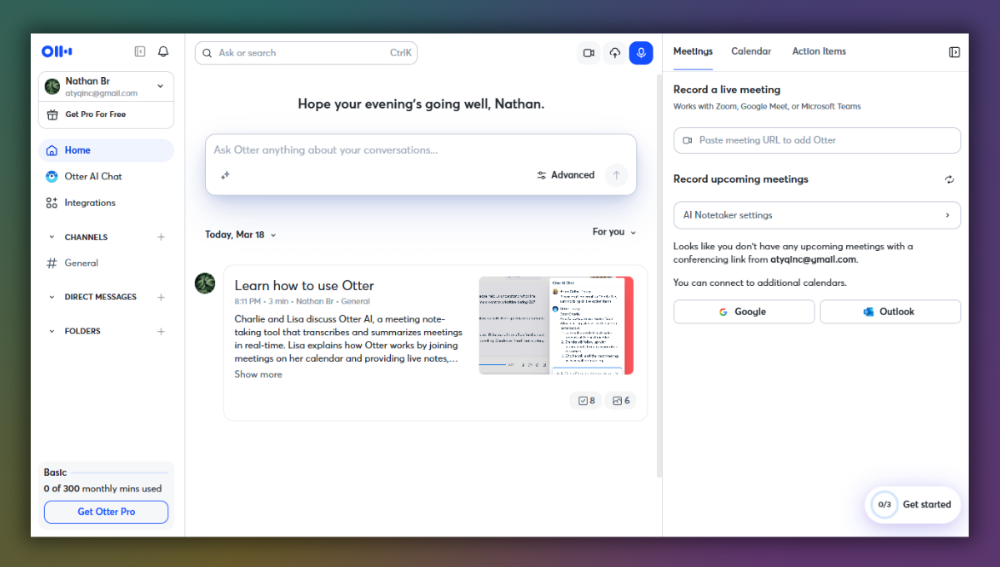
Instead of frantically typing to keep up, you can finally concentrate on what is being said, knowing that every word is being recorded.
I really like the speaker identification feature, it is especially useful in lectures when there are questions from the audience.
Each participant's contributions are individually identified, making it much easier to find specific points in a discussion during a later review.
Another feature I like is the search bar, it lets you search by keyword across all lecture transcripts, finding every instance of a specific concept mentioned by your professor throughout the semester.
3. NotebookLM: The Best Alternative to Turbo AI for Deep Research
Both Turbo AI and NotebookLM are great ways to turn documents into educational material.
The main difference is that NotebookLM is owned by Google.
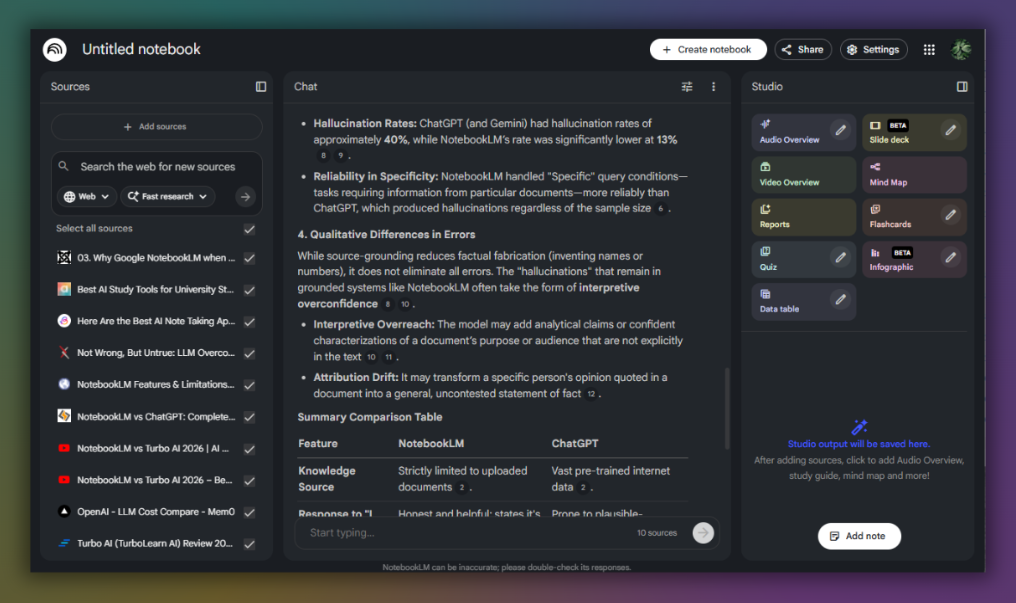
NotebookLM works great, I have not seen any AI hallucinations. Everything it tells you comes from your material (or if you asked google search):
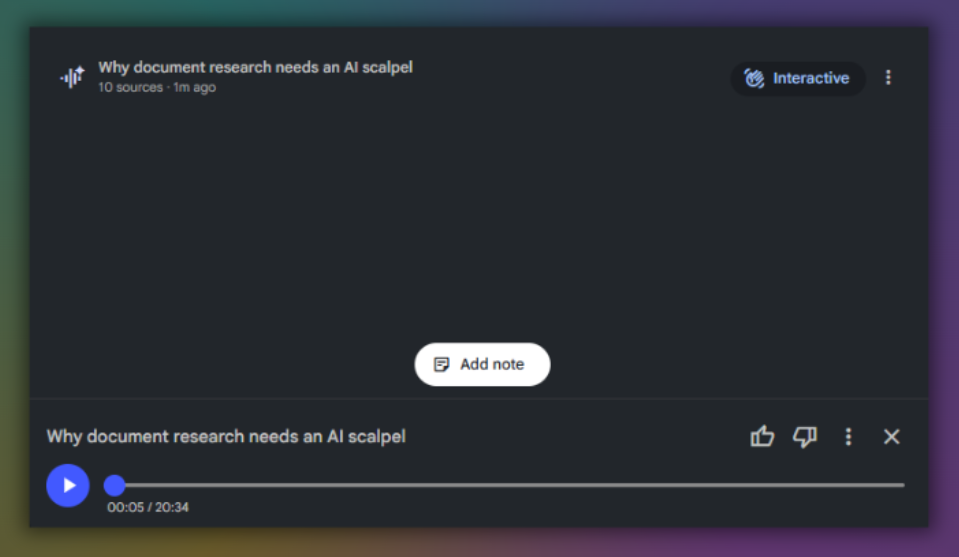
NotebookLM also transforms your imported documents into a podcast-style conversation between two AIs that discuss, analyze, and quiz each other on the content.
This might seem like a gimmick.
In practice, it's one of the most effective passive revision tools I've used, especially while commuting, exercising, or anytime reading isn't possible, but a screen is available.
NotebookLM also generates revision sheets, study guides, and FAQs from your sources, thus covering the same features as Turbo AI.
NotebookLM is a freemium app, making it an ideal first step for any student looking to overcome Turbo AI's limitations without a new subscription.